
Screenshots
App details
- Updated
- Feb 1, 2024
- Language
- English,Spanish
- Developer
- Advanced Micro Devices, Inc. (AMD)
- Category
- Mobile
SoftPas in:
This product is also available in the following languages:
About AMD Chipset Drivers
Download AMD Chipset Drivers – Complete Driver Package for Ryzen Processors
Overview
The AMD Chipset Drivers is a comprehensive software solution designed to optimize system performance for PCs equipped with AMD Ryzen processors. As the central communication hub between the CPU, memory, storage, and peripheral devices, the chipset plays a critical role in overall system stability and efficiency. This driver package ensures that all motherboard components function in harmony, delivering consistent performance across various computing tasks. The app serves users who rely on AMD-based systems for productivity, gaming, content creation, and general computing, particularly those running Windows 11 or later.
By maintaining up-to-date chipset drivers, users can prevent hardware conflicts, improve power management, and enhance compatibility with new peripherals and software updates. The target audience includes both casual users and advanced PC builders who prioritize system reliability and performance. The developer, AMD, is a well-established name in the semiconductor industry, known for its commitment to hardware-software integration and long-term support for its products. Although the developer did not provide additional technical details, the app's purpose is clearly aligned with maintaining optimal functionality for AMD-powered systems.
Real-world use cases include resolving boot issues, fixing USB connectivity problems, improving system responsiveness, and enabling full support for advanced features like PCIe 4.0 and AMD StoreMI. In the broader app ecosystem, this tool fills a vital gap by offering a centralized, official driver update mechanism for AMD motherboard components, reducing the need to source drivers from individual motherboard manufacturers.
Key Features & Functionality
- Automatic Compatibility Fixes – Each update enhances device compatibility and system performance, especially on Windows 11. Custom power plans improve stability and energy efficiency, minimizing system lag and power waste.
- Wide Processor Support – Compatible with Ryzen 2000, 3000, and 5000 series CPUs, G-series processors with integrated graphics, and both standard and PRO Threadripper models. Supports chipsets including X570, B550, and B450.
- Easy Installation Process – The installer is designed for simplicity. Users can download the package, run the executable, and follow on-screen prompts. It is recommended to close other applications and temporarily disable antivirus software to ensure a clean installation.
- Clean Driver Removal – When upgrading or replacing components, AMD advises using the Windows Control Panel to uninstall old drivers safely. This practice prevents system errors and ensures a smooth transition to the latest version.
- Regular Updates – Frequent updates provide support for new hardware, fix bugs, and improve overall system behavior. Staying current helps users maximize their PC’s potential and maintain long-term stability.
For example, a user upgrading from a Ryzen 3000 to a Ryzen 5000 series CPU can use this package to ensure the chipset drivers are fully compatible. Similarly, a content creator experiencing USB device recognition issues may resolve the problem after installing the latest chipset drivers. These features collectively contribute to a more reliable, efficient, and future-proof system.
Interface, UX & Performance
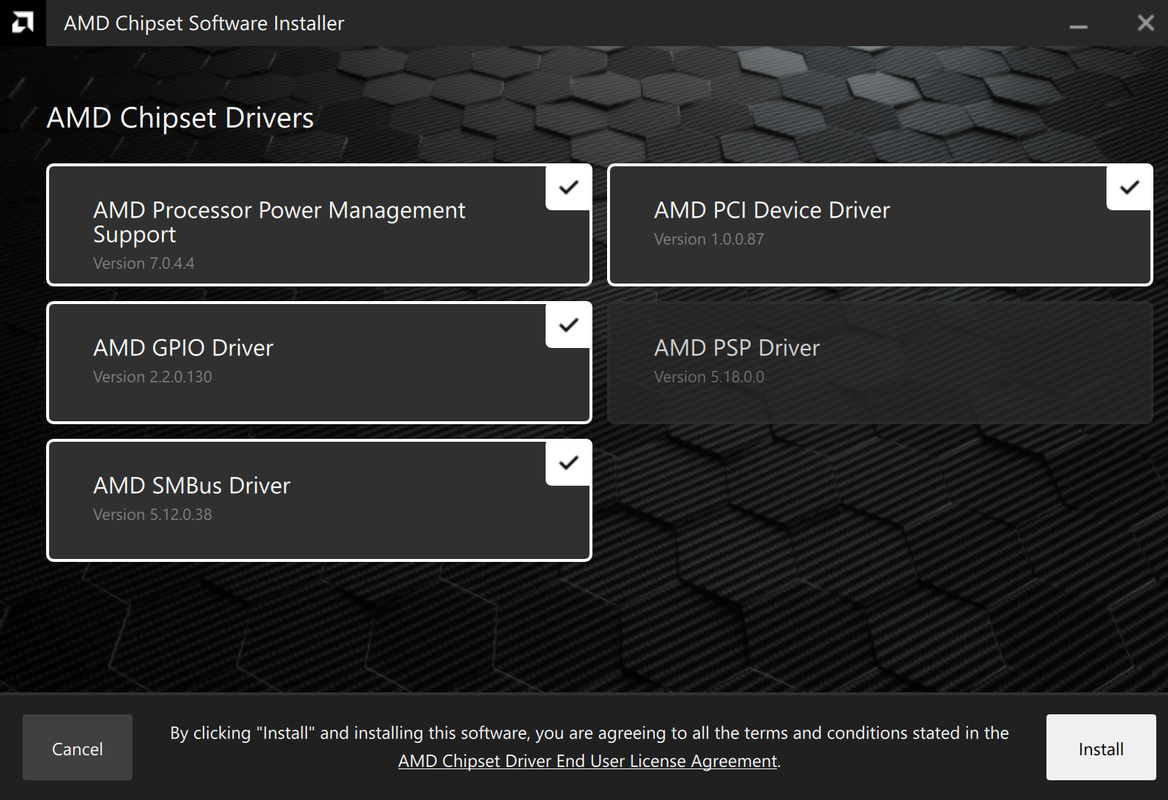
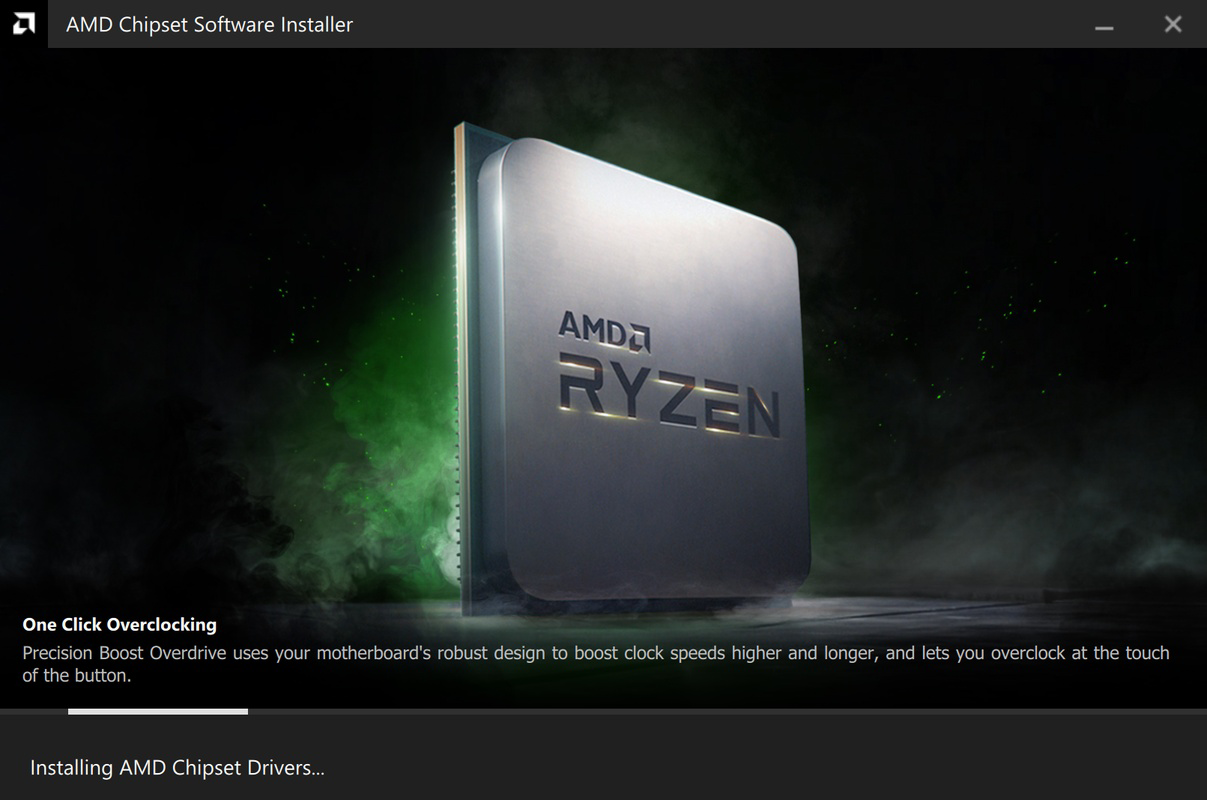
The AMD Chipset Drivers application presents a straightforward, no-frills interface focused on functionality rather than visual flair. It follows a standard installer-based workflow, with clear on-screen instructions guiding users through each step. Navigation is intuitive, requiring minimal technical knowledge, which makes it accessible to both novice and experienced users.
The UX is optimized for efficiency, with minimal user input required. The installer automatically detects the system configuration and applies the appropriate drivers, reducing the risk of incorrect installations. Although the developer did not list formal performance metrics, the tool is designed to operate quickly and without disrupting ongoing system processes. Users can expect stable performance across different device categories, including laptops, desktops, and high-performance workstations.
Responsiveness is consistent during installation, with no reported delays or freezes. The application maintains system stability by avoiding unnecessary background processes. While specific performance benchmarks were not disclosed, the tool is engineered to deliver reliable results without introducing system overhead. The overall experience reflects AMD’s focus on user-friendly, high-impact system utilities that prioritize reliability and ease of use.
Platform Compatibility & Technical Requirements
AMD Chipset Drivers is available for Windows-based systems, supporting the latest versions of the operating system. The app is compatible with modern AMD platforms, including motherboards featuring X570, B550, and B450 chipsets. The file size is approximately 125 MB, which is typical for a full driver package of this scope.
Specific OS version requirements were not listed by the developer. However, the package is designed to work with Windows 11 and later, with strong support for systems running the most recent updates. The software version is 2024.02.01, released on February 1, 2024. Although the developer did not specify minimum OS requirements or compatibility details for older Windows versions, the tool is intended for use on current-generation systems.
Compatibility information was not fully disclosed, so users should ensure their system meets standard requirements for running modern AMD drivers. It is recommended to verify the motherboard model and CPU generation before installation to avoid potential issues.
Pros and Cons
- Official AMD driver package with full compatibility for Ryzen and Threadripper processors
- Supports a wide range of chipsets including X570, B550, and B450
- Easy, guided installation process with clear instructions
- Regular updates ensure ongoing support for new hardware and bug fixes
- Safe driver removal procedures recommended via Windows Control Panel
- Specific system requirements were not listed by the developer
- No in-app update checker or automatic update notifications
- Interface is minimal and lacks advanced customization options
- Not available for non-Windows platforms
- Installation may require temporary disabling of antivirus software
FAQ
Is AMD Chipset Drivers safe to download and install?
Yes, the software is officially released by AMD and distributed through trusted channels. It is recommended to download only from the official AMD website to ensure authenticity and security.
Can I use this driver package on older Windows versions?
The developer did not specify compatibility with Windows versions prior to Windows 11. It is best to use this package on systems running the latest supported OS versions.
Do I need to uninstall old drivers before installing the latest version?
AMD recommends removing previous driver versions using the Windows Control Panel to prevent conflicts. This ensures a clean installation and optimal system performance.
How often are updates released for AMD Chipset Drivers?
Updates are released regularly to support new hardware, fix bugs, and improve system stability. Users are encouraged to check for updates periodically to maintain peak performance.
Is this tool available for macOS or Linux?
Currently, AMD Chipset Drivers is only available for Windows-based systems. There is no official support for macOS or Linux platforms.
Final Thoughts
AMD Chipset Drivers delivers a reliable, official solution for maintaining peak performance on AMD-powered systems. Its broad processor support, clean installation process, and regular updates make it an essential tool for anyone using a modern AMD-based PC. While the interface is minimal and lacks advanced features, its core purpose is fulfilled with precision and efficiency.
Users who prioritize system stability, hardware compatibility, and long-term performance will benefit most from this driver package. Whether you're building a new rig, upgrading components, or troubleshooting system issues, AMD Chipset Drivers provides the foundation for a smooth and responsive computing experience.
Download AMD Chipset Drivers now to ensure your system runs at its best with the latest official support.
Guides & Tutorials
How to install AMD Chipset Drivers
- Click the Download button above.
- Once redirected, accept the terms and click Install.
- Wait for the AMD Chipset Drivers download to finish on your device.
How to use AMD Chipset Drivers
This software is primarily used for its core features described above. Open the app after installation to explore its capabilities.
User Reviews
No reviews yet. Be the first to share your experience.
You may also like
more
Que no te pillen¡
About !Que no te pillen¡Reviewed by Jason A. BilbreyShow MoreShow Less

3D Combat Zone
About 3D Combat ZoneOriginally released in 1983, 3D Combat Zone immerses players...

666: El día del portal
About 666: El día del portalOn June 6, 2006, Agent P. Stone uncovers a sinister...

80 in 1 Best Flash games
About 80 in 1 Best Flash games 80 in 1 Best Flash games is a collection of 80 fl...

ABYSS SEEKERーーWhat Do You See Deep in The Abyss
About ABYSS SEEKERーーWhat Do You See Deep in The AbyssIn ABYSS SEEKER, players...

ACA NEOGEO THE KING OF FIGHTERS 2002 for Windows
About ACA NEOGEO THE KING OF FIGHTERS 2002 for WindowsTHE KING OF FIGHTERS 2002,...